Add your verification badge
Show clients you’re listed and verified on Accountant List — and add a trusted link back to your profile. It takes about five minutes.

1. Copy your badge code
Paste this into your website where you’d like the badge to appear:
Already claimed your listing? Get your personalised badge from your dashboard — it links straight to your own verified profile.
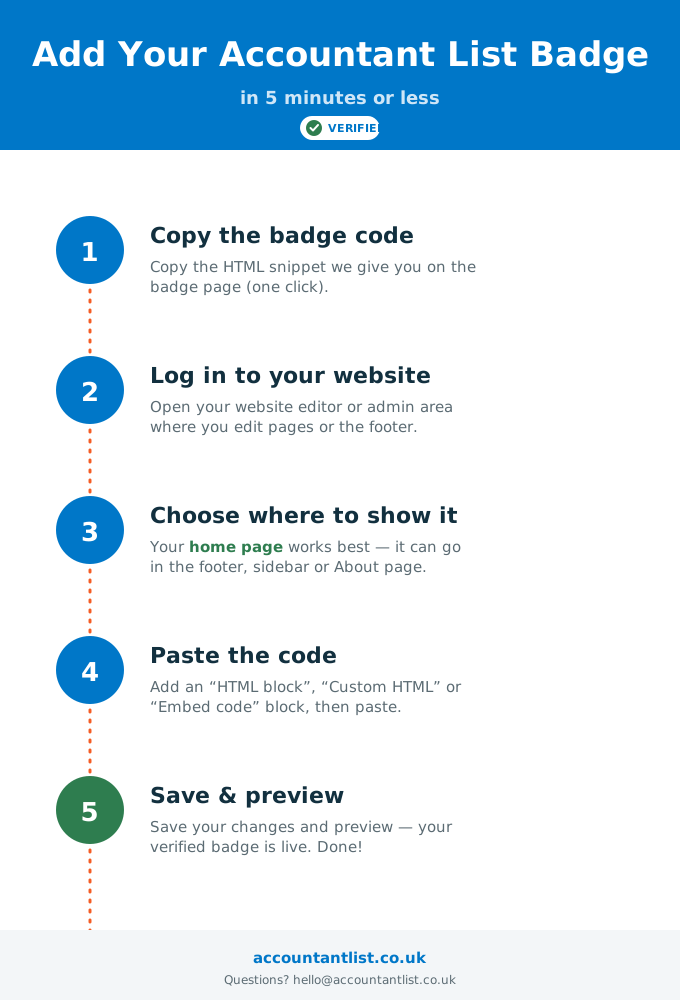
2. Add it to your website
- 1
Copy the badge code
Copy the HTML snippet above with one click.
- 2
Log in to your website
Open your website editor or admin area where you edit pages or the footer.
- 3
Choose where to show it
Your home page works best — footer, sidebar or About page all work.
- 4
Paste the code
Add an “HTML block”, “Custom HTML” or “Embed code” block, then paste.
- 5
Save & preview
Save your changes and preview — your verified badge is live. Done!
Sending this to your web developer?
Download the step-by-step guide as an image and hand it over — or just send them this page.
Not listed yet? Add your firm first, then come back for your badge.